Funnel teardown and rebuild notes
QuoteKings Mortgage Protection Flow
A rebuild-oriented walkthrough of the current mortgage protection lead funnel at quotekings.com/form/life/mortgage, based on captured desktop screenshots and observed browser behavior.
Captured: June 19, 2026
Source viewport: 1280px desktop
Screenshots: funnel-screenshots/cropped
Final lead submit not completed
Executive Summary
Structure: One active question per route, with the same hero header and trust badges repeated across steps.
Main path: 13 user-visible screens before final submission, plus one health-condition branch.
Lead risk: Final step contains express written TCPA/marketing consent tied to the “Get My Quotes” button.
Reusable Page Shell
- Top-left QuoteKings logo and “Rule your budget” tagline.
- Top-right click-to-call phone button. The phone number changed during capture, suggesting dynamic tracking.
- Large headline: “Ensure Your Mortgage is Paid, No Matter What Happens!”
- Subcopy describing mortgage protection as term life insurance.
- Benefit line: “Get Coverage for: Illness | Disability | Death.”
- Active question panel with pale cyan background and blue CTAs.
- Trust badges below form: “Up to $1 Million Coverage,” “No Medical Exams,” and “Rates as low as $20/month.”
Capture Notes That Matter
- The original full-page screenshots looked doubled because they included the active step plus the long repeated marketing/social-proof section below.
- The DOM keeps multiple future and past steps in the page while only one is visible, so visibility state matters more than raw DOM order.
- Choosing “no” for major disease skips the treated-conditions branch and advances from step 9 to address at step 11.
- Obvious dummy first names like “Test” were rejected by client-side validation.
- Email advancement had a short delay; a screenshot taken immediately after clicking could still show the previous step.
- Direct-opening the branch route redirected to the current session state, so branch screens should be tested through actual answer paths.
Visual Flow Map
1Interest Reason
Entry segmentation for why the user wants mortgage protection.
2Amount Owed
Mortgage balance range.
3Dependents
Financial dependency signal.
4Gender
Binary underwriting field.
5Marital Status
Yes/no married question.
6Date of Birth
Year, month, day selects.
7Height + Weight
Three text inputs.
8Tobacco
Yes/no tobacco screen.
9Major Diseases
Branching yes/no question.
10Treated Conditions
Shown only if major diseases = yes.
11Address
Street address and ZIP.
12Name
First and last name.
13Email
Email address with safety reassurance.
14Phone + Consent
Final lead capture and TCPA consent.
Main path
Conditional branch
Final submission step
Routing and Behavior
| Observed URL |
Visible Screen |
Behavior Notes |
| /form/life/mortgage | Interest reason | Landing step. No Back button. |
| /steps/step-2 | Amount owed | Radio/button choice advances automatically. |
| /steps/step-3 | Dependents | Options are children, spouse, other, no. |
| /steps/step-4 | Gender | Only Male/female options were visible. |
| /steps/step-5 | Married? | Lowercase yes/no labels. |
| /steps/step-6 | Date of birth | Requires manual Continue after selecting Year, Month, Day. |
| /steps/step-7 | Height and weight | Requires manual Continue after entering three text fields. |
| /steps/step-8 | Tobacco use | Yes/no radio step. |
| /steps/step-9 | Major disease history | Yes opens treated-conditions branch; No skips to address. |
| /steps/step-10 | Treated conditions | Conditional multi-select branch. Multiple options can be selected. |
| /steps/step-11 | Address | Address and ZIP Code. |
| /steps/step-12 | Name | First name validation rejected “Test.” Button says “proceed to quotes.” |
| /steps/step-13 | Email | Button changes to “next.” Includes anti-spam reassurance. |
| /steps/step-14 | Mobile phone | Final consent step. I stopped before clicking “get my quotes.” |
Step-by-Step Screens
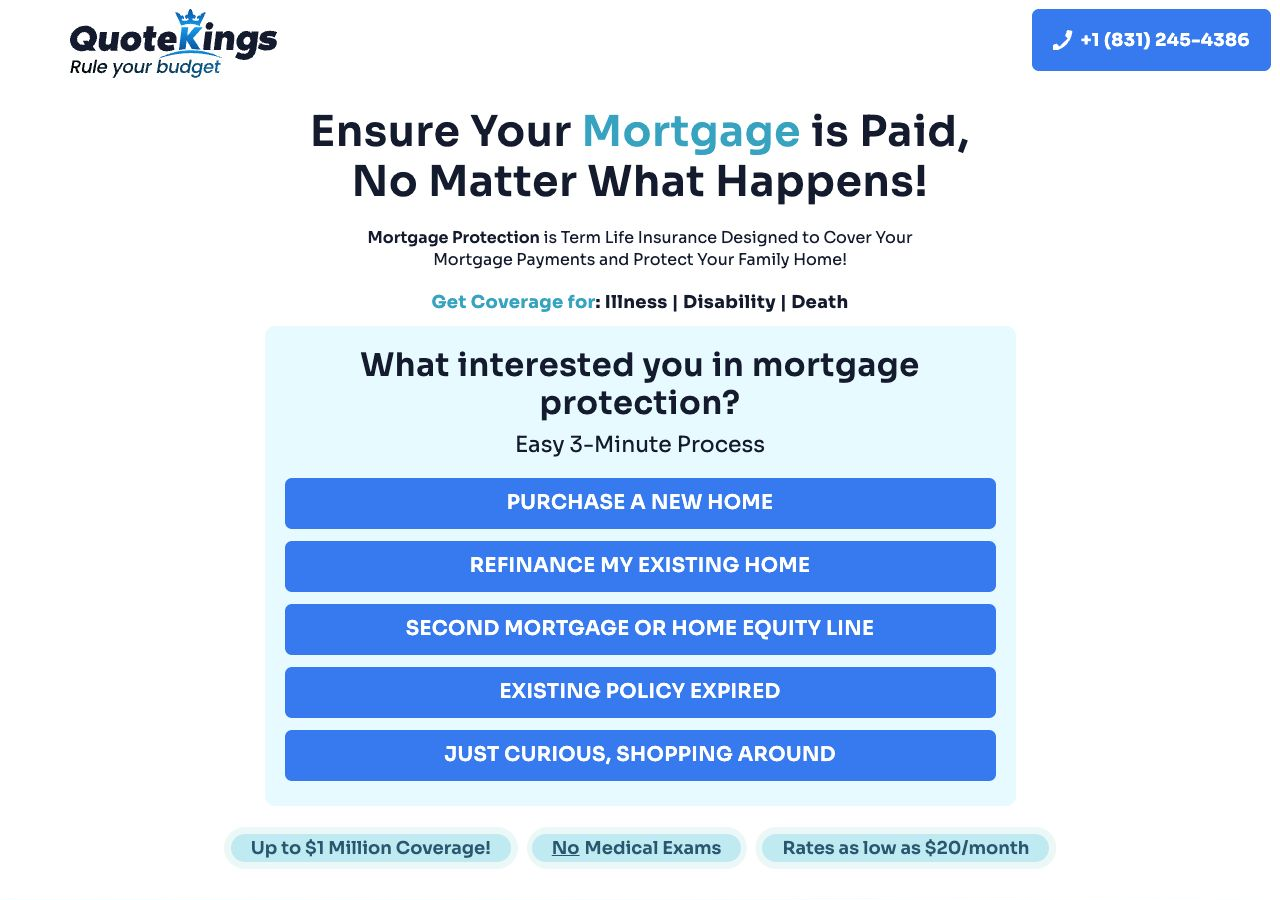
Step 1 / Entry
What interested you in mortgage protection?
- Input typeSingle-choice button/radio list
- OptionsPurchase a new homeRefinance my existing homeSecond mortgage or home equity lineExisting policy expiredJust curious, shopping around
- NotesThis is the landing step. It introduces the “Easy 3-Minute Process” promise and has no visible Back action.
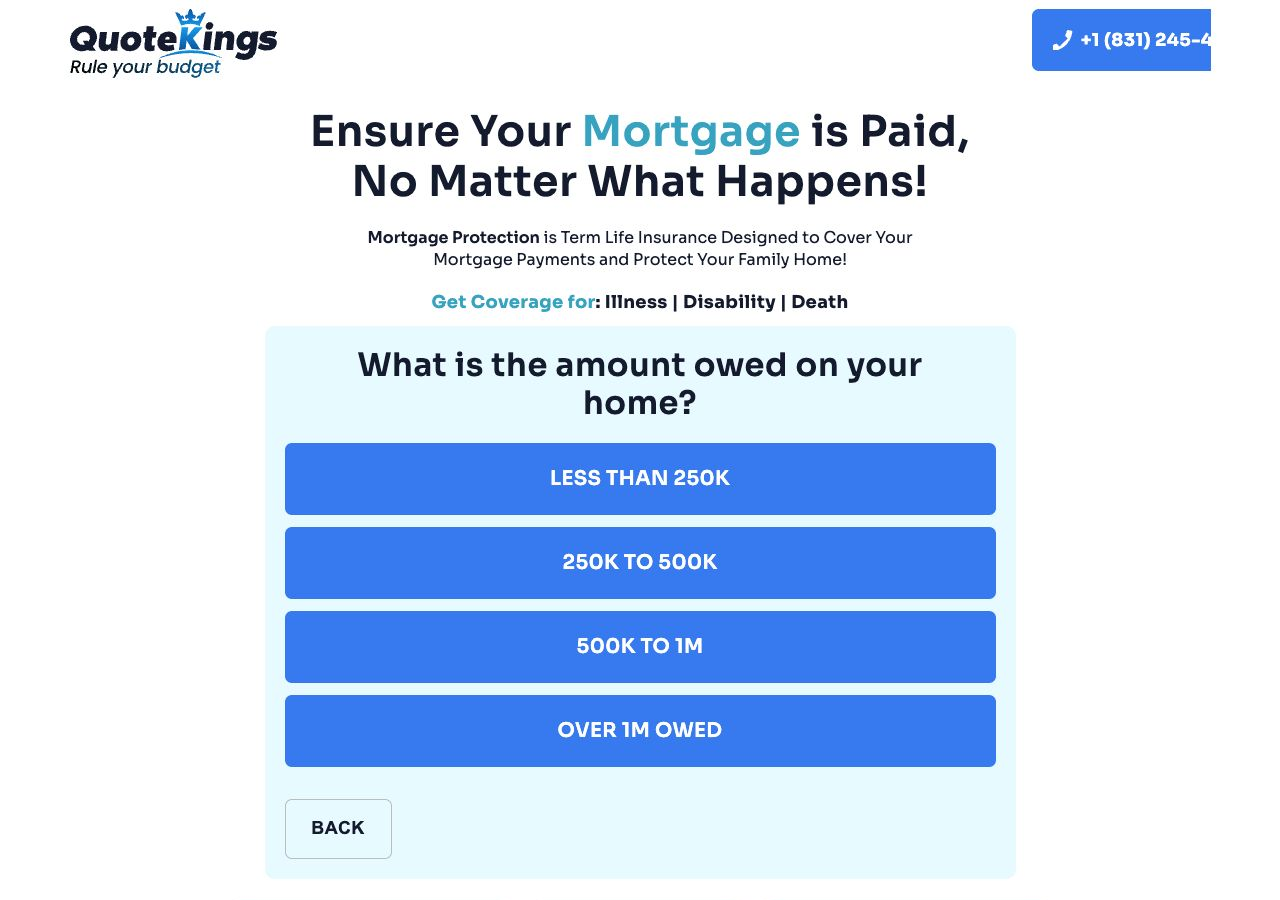
Step 2
What is the amount owed on your home?
- Input typeSingle-choice balance range
- OptionsLess than 250K250K to 500K500K to 1MOver 1M owed
- NotesBack button appears from this point forward. Selection auto-advances.
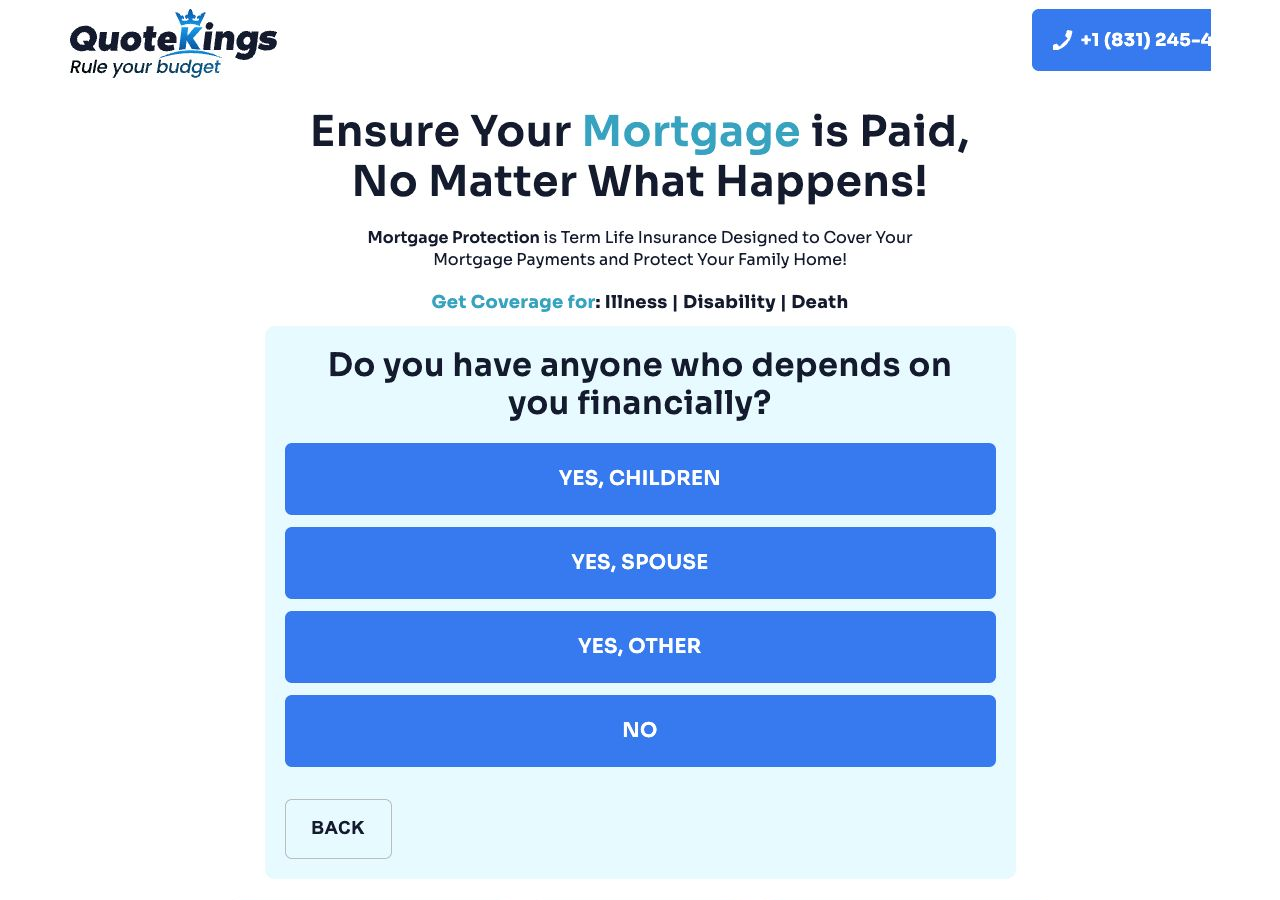
Step 3
Do you have anyone who depends on you financially?
- Input typeSingle-choice dependency category
- OptionsYes, childrenYes, spouseYes, otherNo
- NotesThis appears to collect household/beneficiary context before underwriting details.
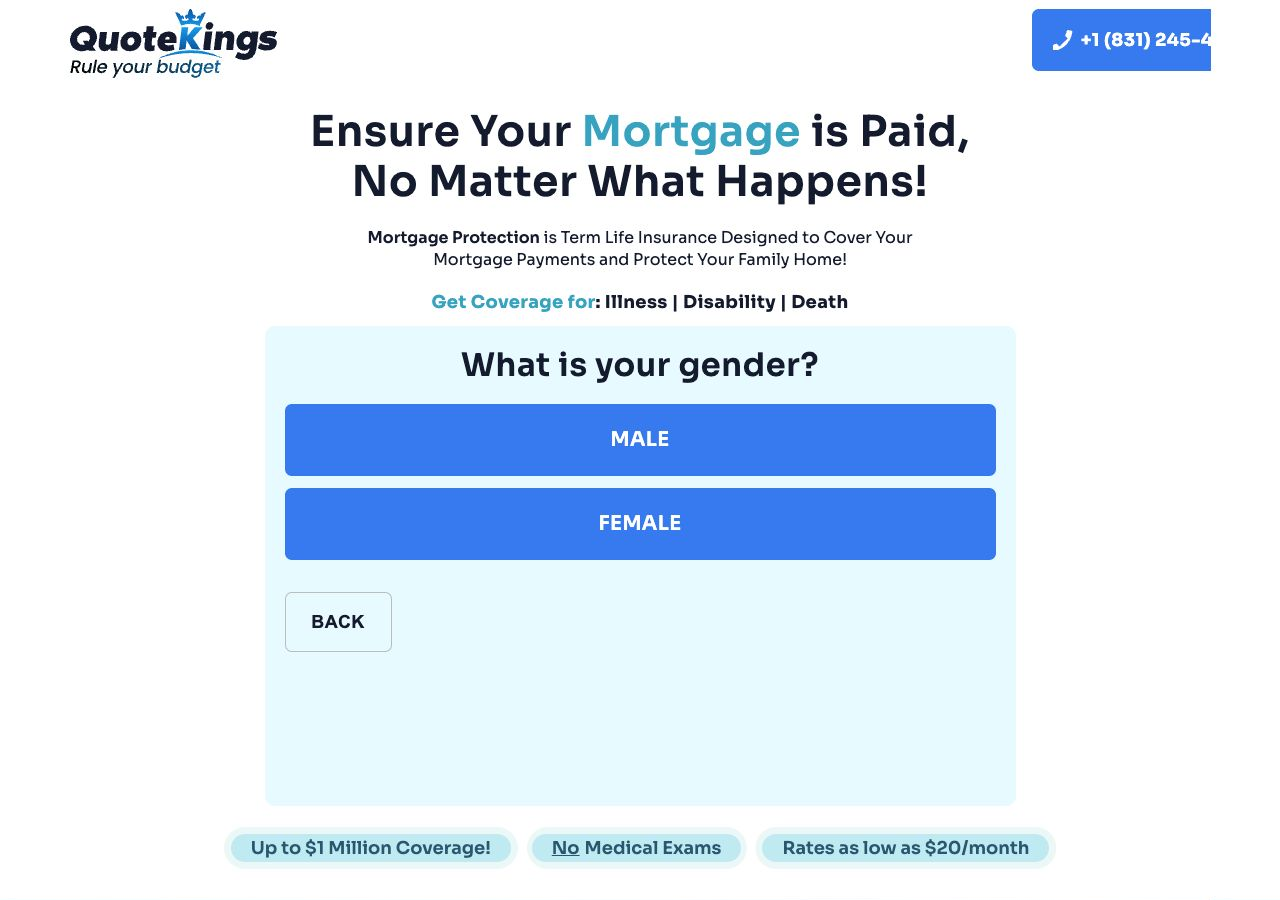
Step 4
What is your gender?
- Input typeSingle-choice radio/button
- OptionsMalefemale
- NotesLabel capitalization is inconsistent. A rebuild should decide whether to preserve, normalize, or expand this field.
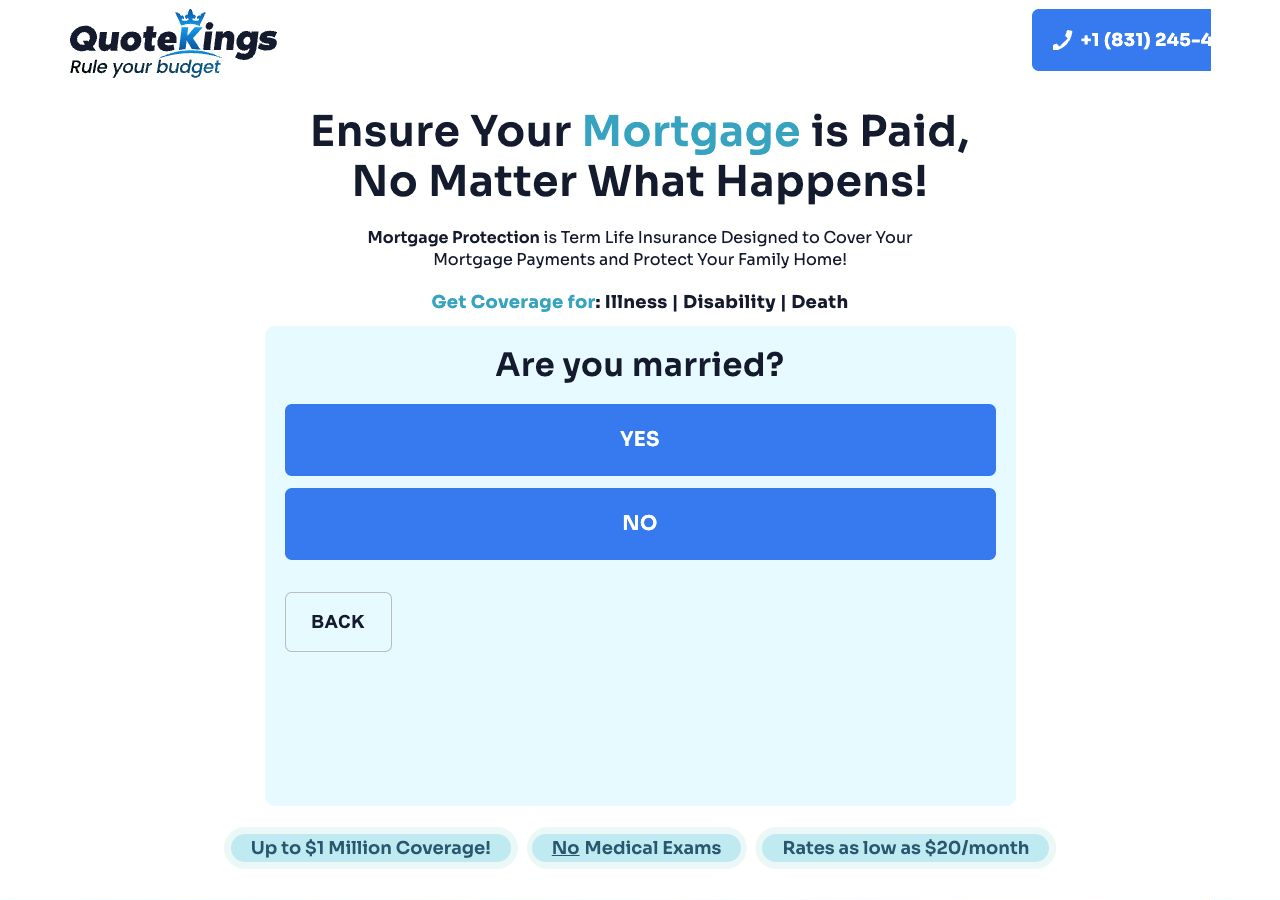
Step 5
Are you married?
- Input typeSingle-choice yes/no
- Optionsyesno
- NotesSelection auto-advances. Labels are lowercase in the source experience.
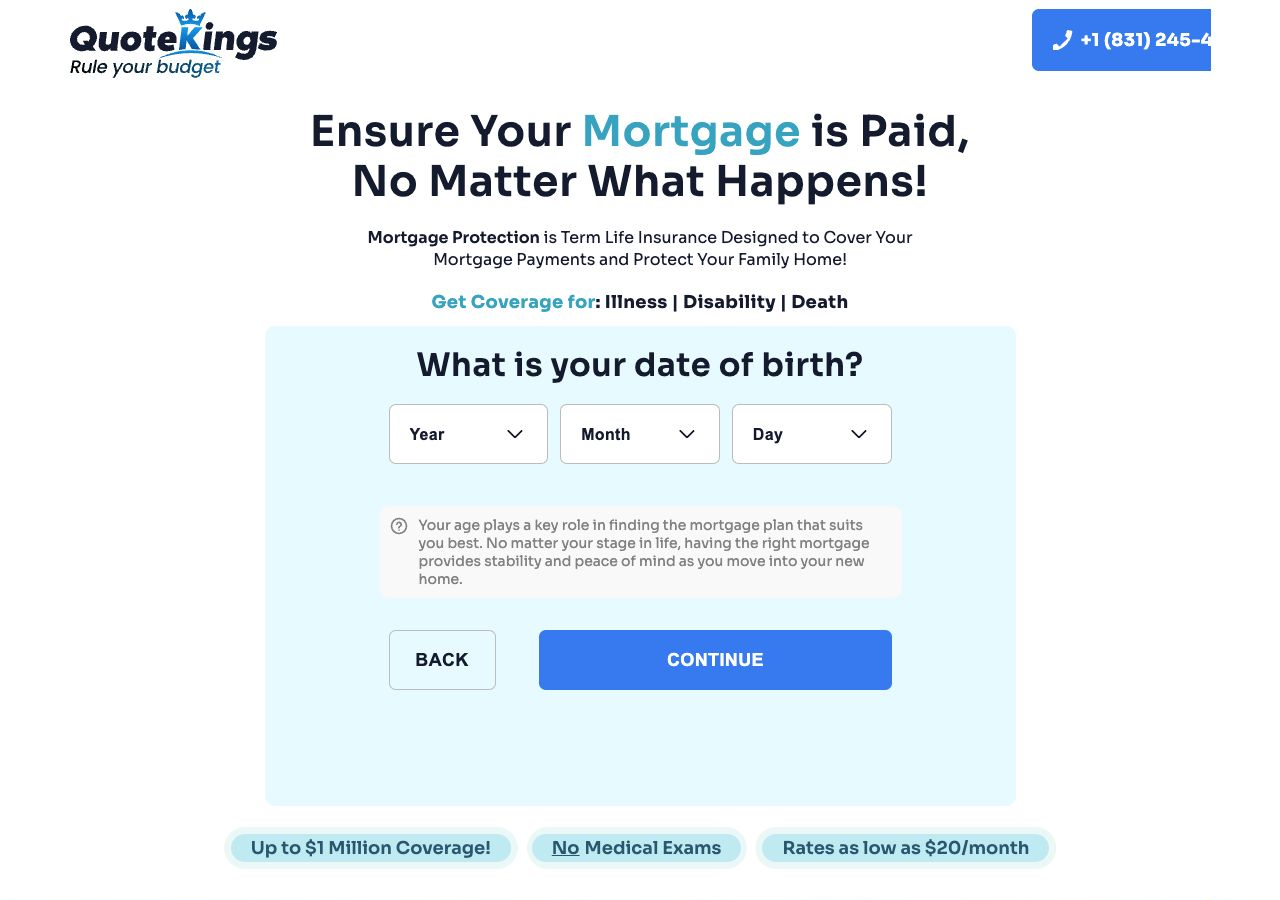
Step 6
What is your date of birth?
- Input typeThree selects: Year, Month, Day
- Observed rangesYear options ran from 2007 down to 1925 during capture. Month options are Jan-Dec. Day options are 1-31.
- NotesIncludes explanatory copy about age affecting mortgage plan fit. Requires Continue.
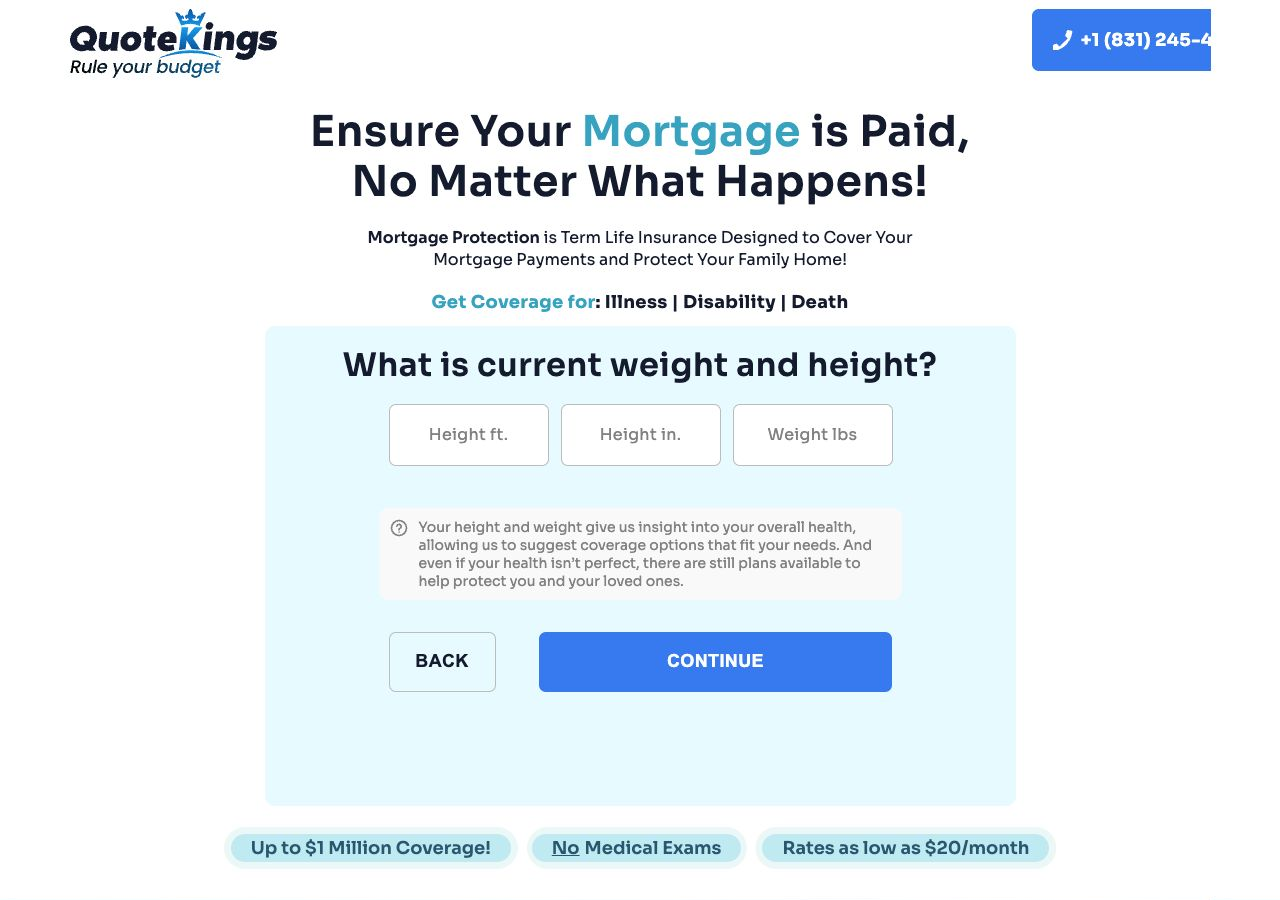
Step 7
What is current weight and height?
- Input typeThree text inputs
- FieldsHeight ft.Height in.Weight lbs
- NotesIncludes reassurance copy that imperfect health may still qualify. Requires Continue.
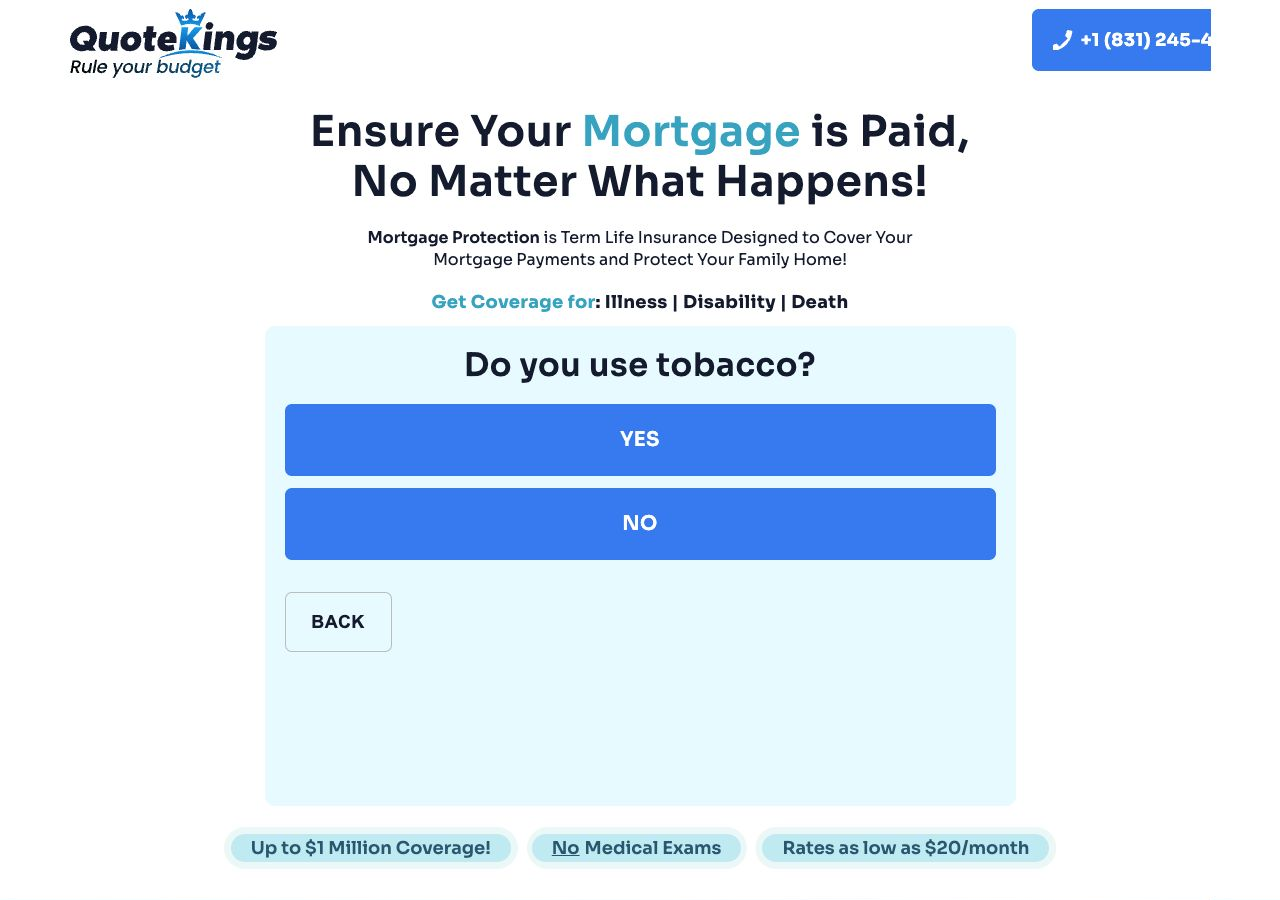
Step 8
Do you use tobacco?
- Input typeSingle-choice yes/no
- Optionsyesno
- NotesThis begins the clear underwriting-style portion of the flow.
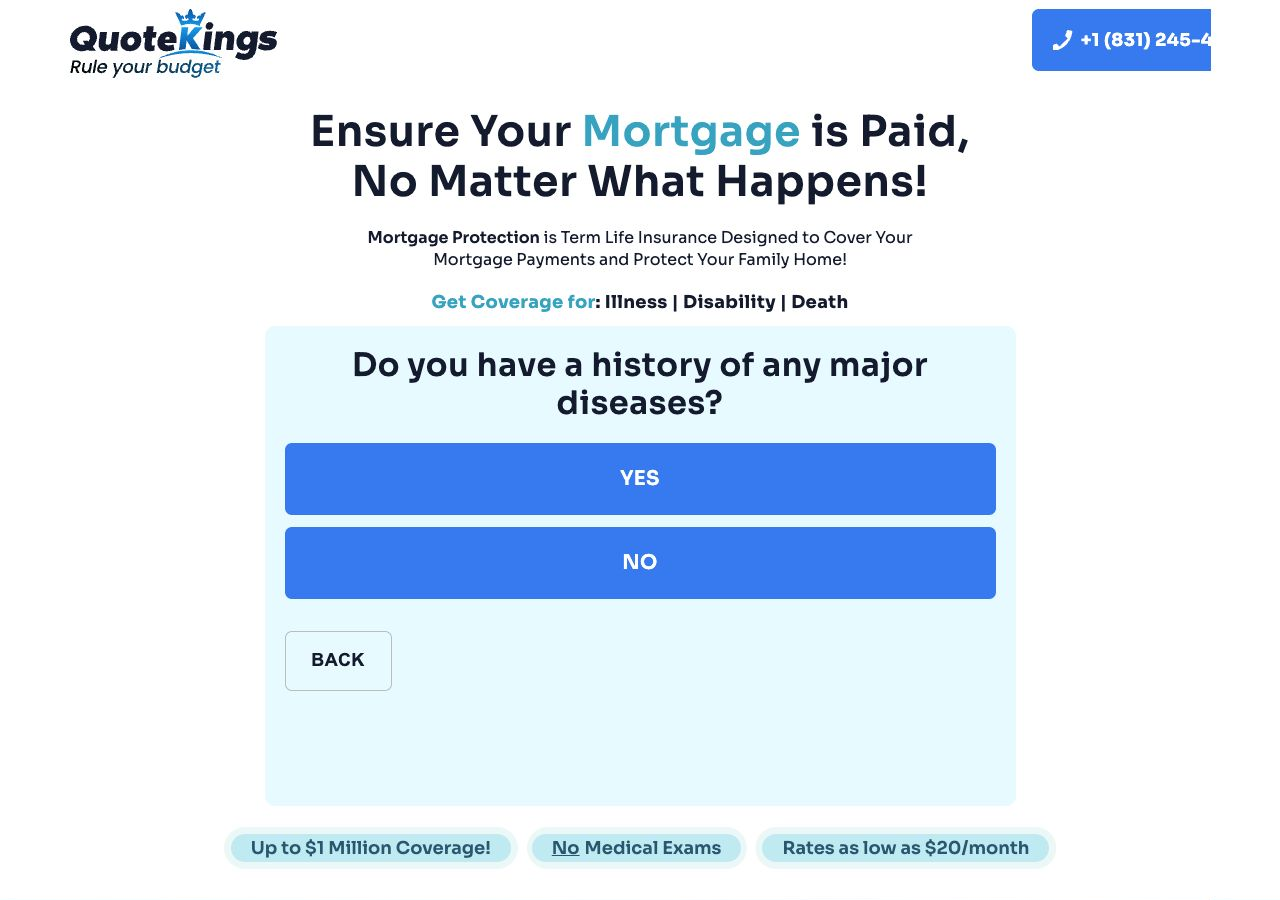
Step 9 / Branch point
Do you have a history of any major diseases?
- Input typeSingle-choice yes/no
- BranchingYes opens the treated-conditions checklist. No skips to address.
- NotesThe no path advances to /steps/step-11, so step numbers are not a reliable count of visible pages.
Spec implication: build the branch as explicit conditional logic, not a linear wizard that assumes every route is visited.
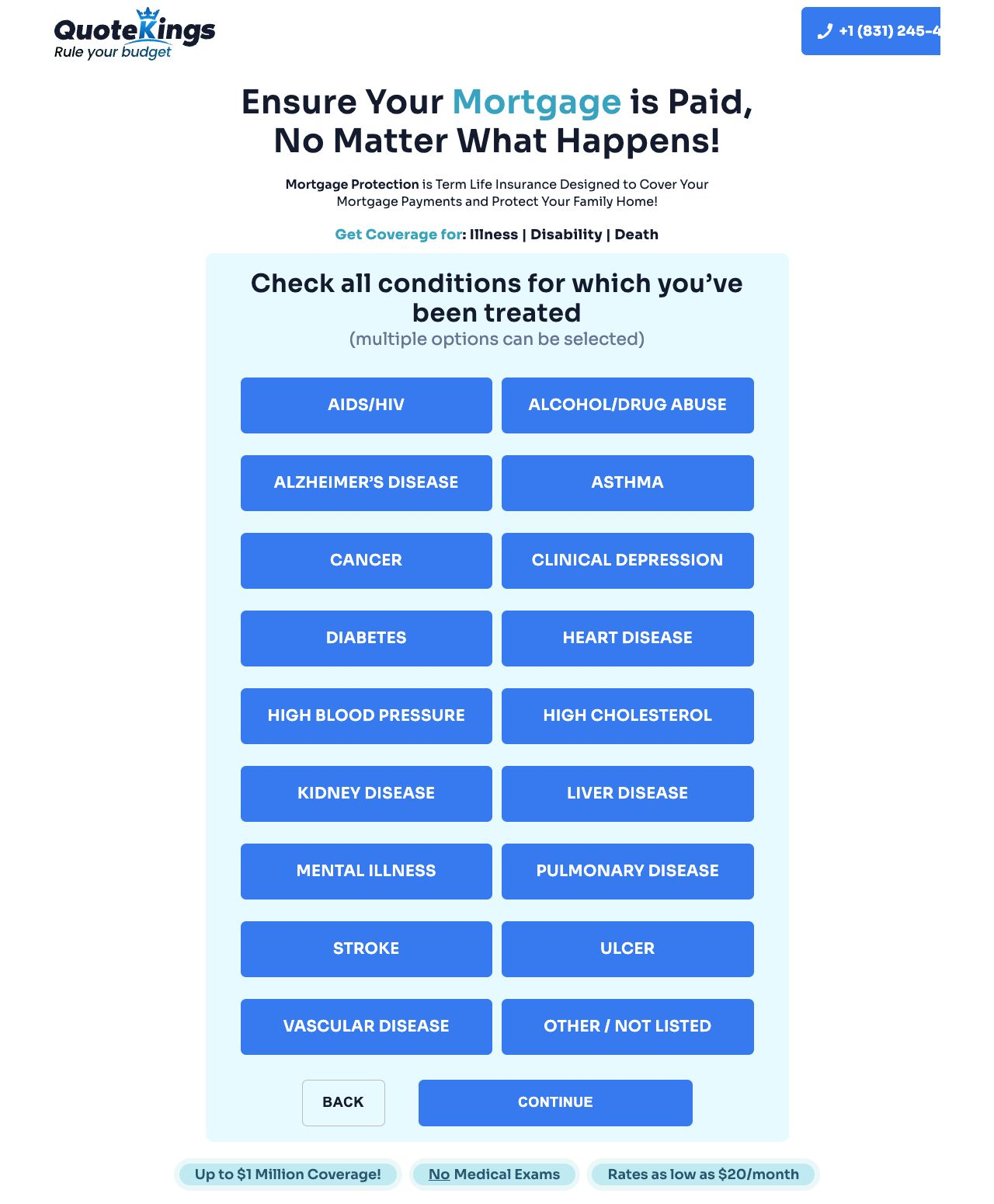
Step 10 / Conditional branch
Check all conditions for which you’ve been treated
- Input typeMulti-select checklist
- OptionsAIDS/HIVAlcohol/Drug AbuseAlzheimer’s DiseaseAsthmaCancerClinical DepressionDiabetesHeart DiseaseHigh Blood PressureHigh CholesterolKidney DiseaseLiver DiseaseMental IllnessPulmonary DiseaseStrokeUlcerVascular DiseaseOther / Not listed
- NotesDirect-loading this route redirected based on current session state. I captured it by navigating back and answering the disease question “yes.”
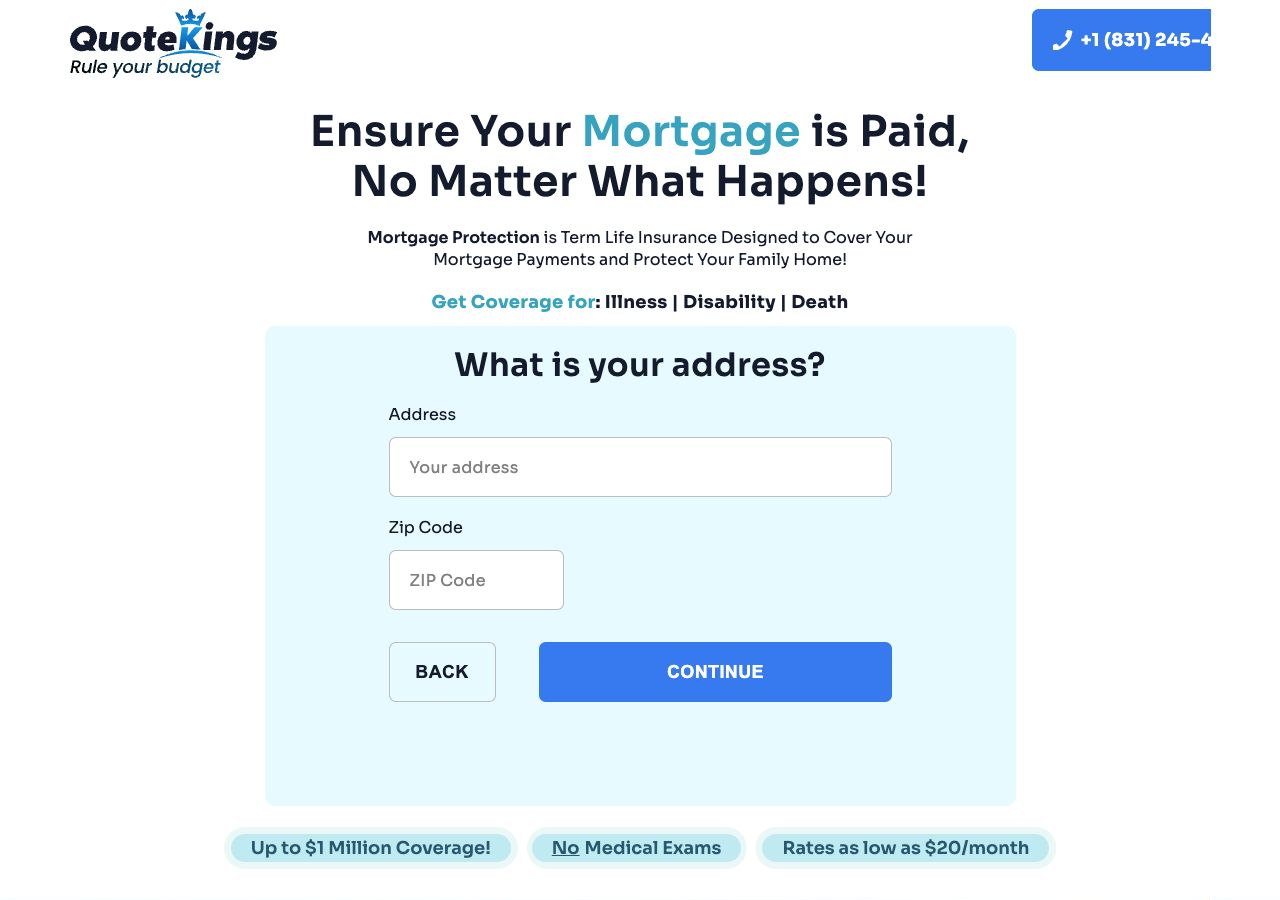
Step 11
What is your address?
- Input typeTwo text inputs
- FieldsYour addressZIP Code
- NotesThis is the first clearly identifying personal-data screen in the main path.
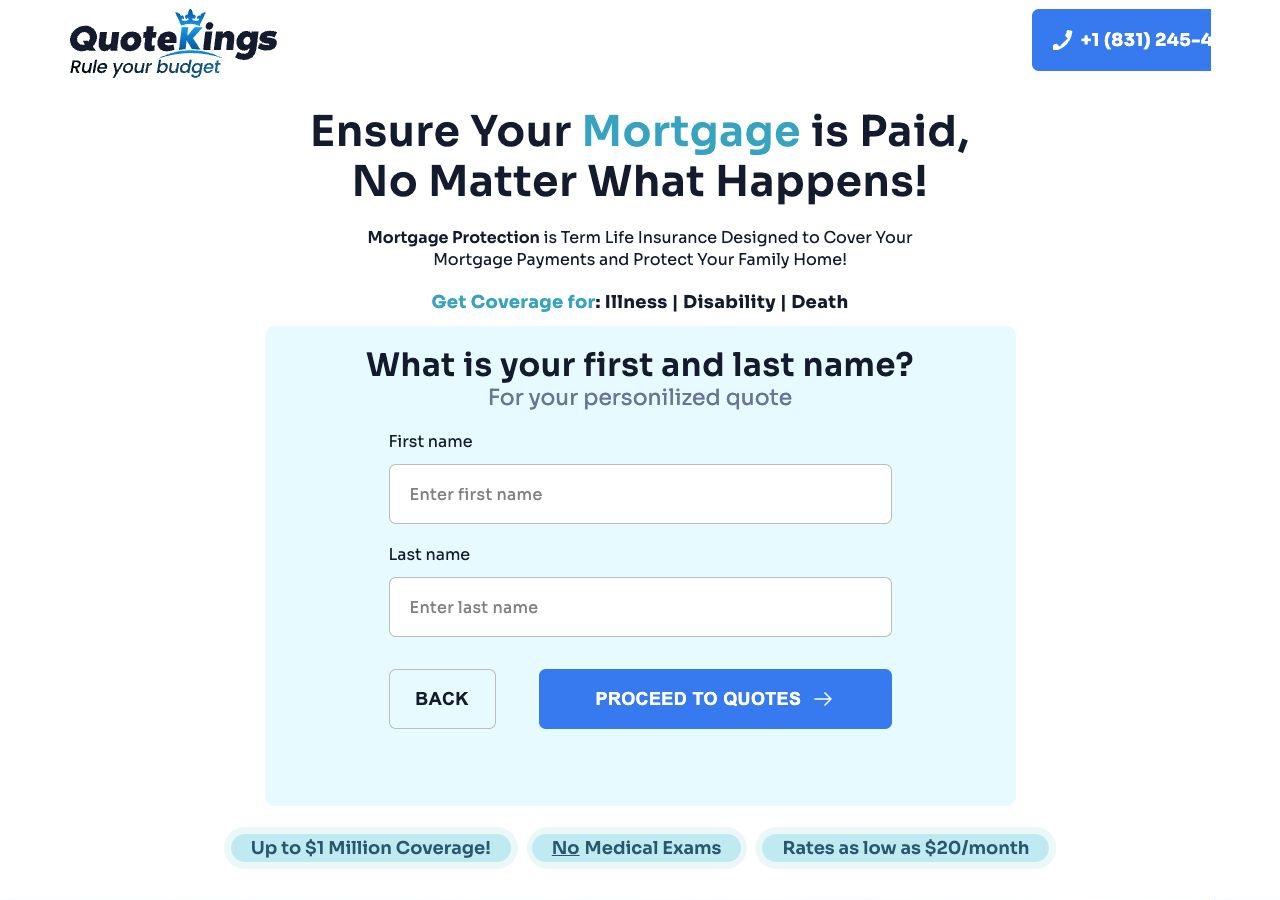
Step 12
What is your first and last name?
- Input typeTwo text inputs
- FieldsEnter first nameEnter last name
- Button text“proceed to quotes”
- Validation note“Test” was rejected as an invalid first name. “John Smith” advanced after a short delay.
Step 13
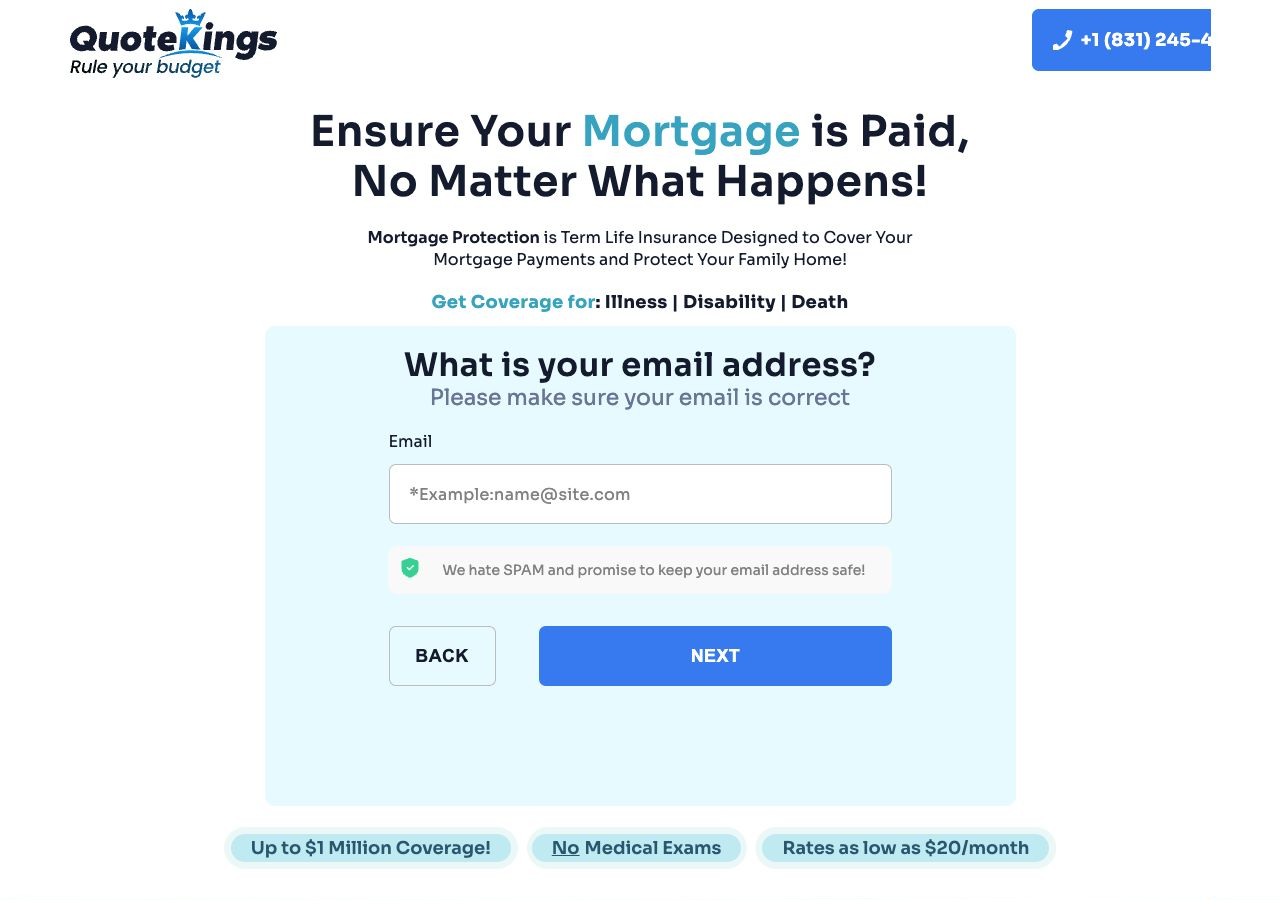
What is your email address?
- Input typeText input
- Placeholder*Example:name@site.com
- Supporting copy“Please make sure your email is correct” and “We hate SPAM and promise to keep your email address safe!”
- NotesAdvancement from the name screen showed a brief timing delay, so rebuild QA should wait for visible route/state changes before taking screenshots or firing analytics.
Step 14 / Final submit
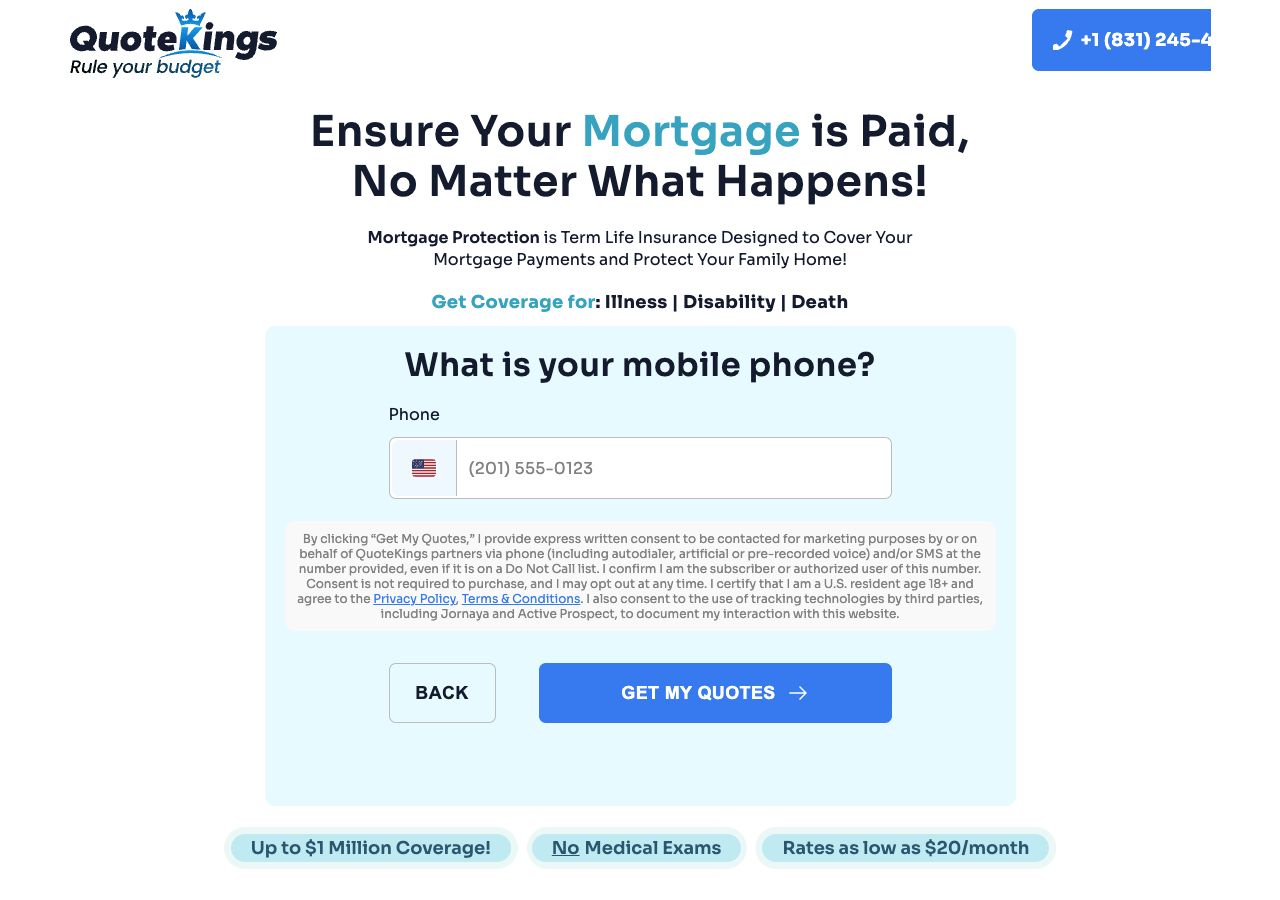
What is your mobile phone?
- Input typePhone input with US flag prefix
- Placeholder(201) 555-0123
- Button text“get my quotes”
- Consent contentExpress written consent for marketing calls/SMS by or on behalf of QuoteKings partners, including autodialer/artificial/prerecorded voice, even if on a Do Not Call list. Includes consent-is-not-required language, U.S. resident age 18+ certification, Privacy Policy/Terms agreement, and tracking technology disclosure for Jornaya and ActiveProspect.
Capture stopped here. I did not click “get my quotes” because that would submit lead/contact consent.
Rebuild Spec Checklist
Functional Requirements
- Persist answers across route changes and Back navigation.
- Support auto-advance on radio/button answers and manual Continue on multi-field steps.
- Model disease-history branching explicitly.
- Validate required fields before advancing.
- Prevent obvious invalid names if matching current behavior is desired.
- Use a reliable route/state signal before analytics or screenshots mark a step complete.
- Keep final lead submission separate from prior “next” actions.
Content and Compliance Requirements
- Confirm whether to keep the exact TCPA consent language with legal counsel.
- Confirm Jornaya and ActiveProspect tracking requirements before launch.
- Decide how dynamic phone-number tracking should work in the new build.
- Normalize inconsistent capitalization unless the client wants a pixel-close rebuild.
- Keep privacy, terms, cookie, do-not-sell, and partner links in the footer if rebuilding the full page shell.
- Decide whether the long social-proof section belongs on every step or only entry/exit screens.